Never Straightforward - Building a Linux Server
Or how I'm cursed by Apple to get the weirdest errors. My one hour fun break to install Linux to start my at home server turned into four hours of fixing breaking things.
I’ve had a terrible week. I took two sick days, one of them in urgent care, and feeling like I’m constantly behind on my schoolwork. I’m not, not really, but not doing anything for two days and then trying to cram a bunch in on Friday was wearing me out.
Despite not getting as far in my studies as I had outlined for myself that day, at 6pm I decided to take a break. I also decided to do something fun for my break, take an hour or so, and get back to work.
My one hour break turned into four hours of fixing breaking things.
About two months ago, I purchased my Macmini from work as I was let go. It was $50 to keep it and I initially thought I could at least turn around and sell it for $100. But it kept sitting in my closet as bad luck after bad luck situation hit me.
When I started getting in my first Linux class and was looking to set up a personal server the thought crossed my mind - that Macmini could be great. I did some research and sure enough, it was completely doable. Plus if I still wanted to sell it and get something else later, I could still do that.
It still sat in my closet, unused. I was out of town and then I was busy and then I was out of town again and then I was starting a new quarter and then I needed to fix my mouse before I could get started… By this time I’ve built it up in my mind and I knew I just needed to do it already.
I pull together the supplies I need - a monitor, mouse, keyboard, a 32gb thumb drive - set it up and get going. Instructions in front me, very straight forward. I’ve got a plan and I know how it’s supposed to look.
I should know better by now.
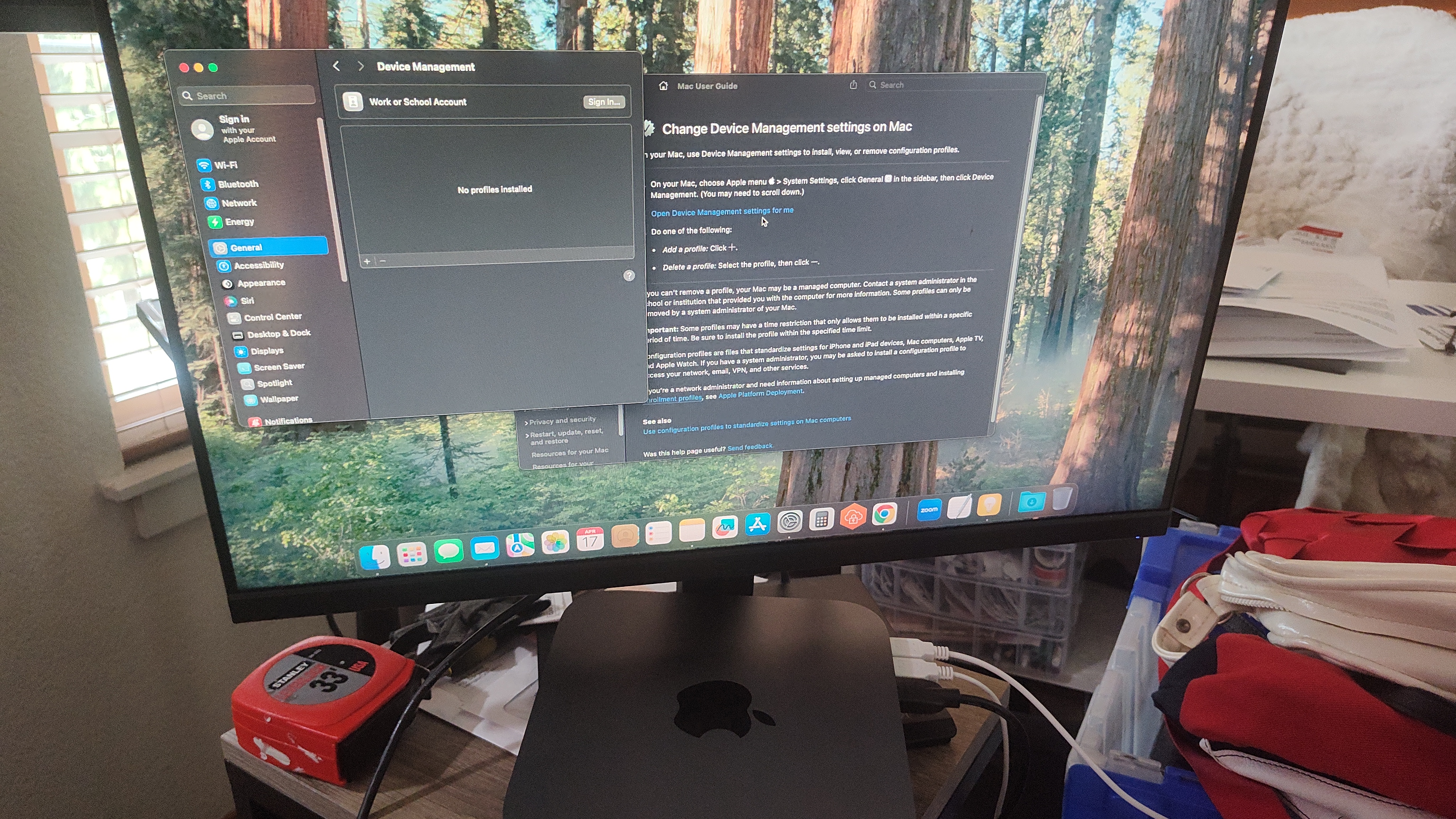
Apple products and I have a contentious relationship. My first experience was in 2000 as my school district primarily used Macs and we had a computer day to learn them. I was already pretty experienced with Windows - a very early memory is of my dad typing his Thesis on our desktop and deciding one day I was going to be that fast of a typer - and in those days that was actually a detriment.
Still, I was following the directions. I just kept getting an error message. My teacher was dismissing my concerns and frustrations as me just not paying attention and being a child (the latter of which was true) but eventually she comes over to look over my shoulder. The immediate utterance of “I’ve never seen that before…” was validating and also terrifying.
I had a similar experience in 2009 at community college where I sat down at a computer in a computer lab class, booted up via instructions and started to open whatever program we were using… and error. Somewhat similar experience with the instructor: he spoke directions to me from across the room but eventually he had to come over to look and said “I’ve never seen that before.” Next day, there’s a big old “out of order” sign on that computer.
I felt cursed. Then there was this work computer. Thankfully by 2018 when this Model A1993 mini was made, Apple had relaxed and made their systems more user friendly to Windows users. So my only problem at first was a frustrating lack of storage space. The specs says it has 120gb but I only ever seemed to have 5gb.
At one point I got some sort of blue screen when booting up. I did the thing where I unplugged everything from it, held down the power button for fifteen seconds, plugged everything back in and it worked fine. The mysterious storage issue got worse and worse as the mail app was apparently taking up 98% of my storage despite never using it and not finding anywhere that data was being held.
Eventually IT helped me clear that storage; for whatever reason the folder wouldn’t appear until they remote logged in to watch me go through the steps I had literally already done before. Like a weird cousin to the “taking the car to the mechanics and it stops making that noise suddenly” phenomenon that happens.
I don’t know, but I was more than ready to gut out the Apple stuff and replace it with Linux.
I followed through all the instructions necessary to allow the Mac to boot from an external drive and got Ubuntu on my thumb drive. When I got to the boot menu, I click on my thumb drive…
And it put me in recovery mode. It asks me to choose a startup disk and all I’ve got is the Mac internal drive. I double check that the security options are correct, unplug the drive, power down the mac, plug in the drive again and try again.
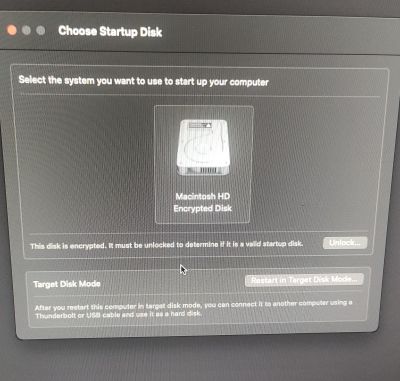
Okay, seems to be the thumb drive. Back to the drawing board.
I redownload Ubuntu just in case there was something wrong with the download. I change what software I use to flash the drive. Rufus is the one recommended for Windows on the Ubuntu tutorial page, I had been using Balena that was recommended for Apple.
Rufus gives me many more options when flashing and I immediately notice the default setting that both it and the tutorial wanted me to use: MBR.
Hey, I know about that!
Literally just that day as part of my A+ CompTIA course I had been learning about installing OS and different partition types for hard drives to boot. MBR is the legacy partition, fairly limited in its ability. While some modern computers can recognize an MBR format partition, it’s still not the current standard.
My Mac Mini simply can’t read MBR and I’m pretty sure that’s what Balena did automatically. I get switched over to the current standard of GPT, let the drive flash, and see promising signs.
I’m holding my breath as I boot the mini up again. Even as I get the GRUB screen with the option to “Try or Install Ubuntu” I’m still holding my breath. I barely want to touch anything or move as the loading symbol circles and circles for about five minutes.
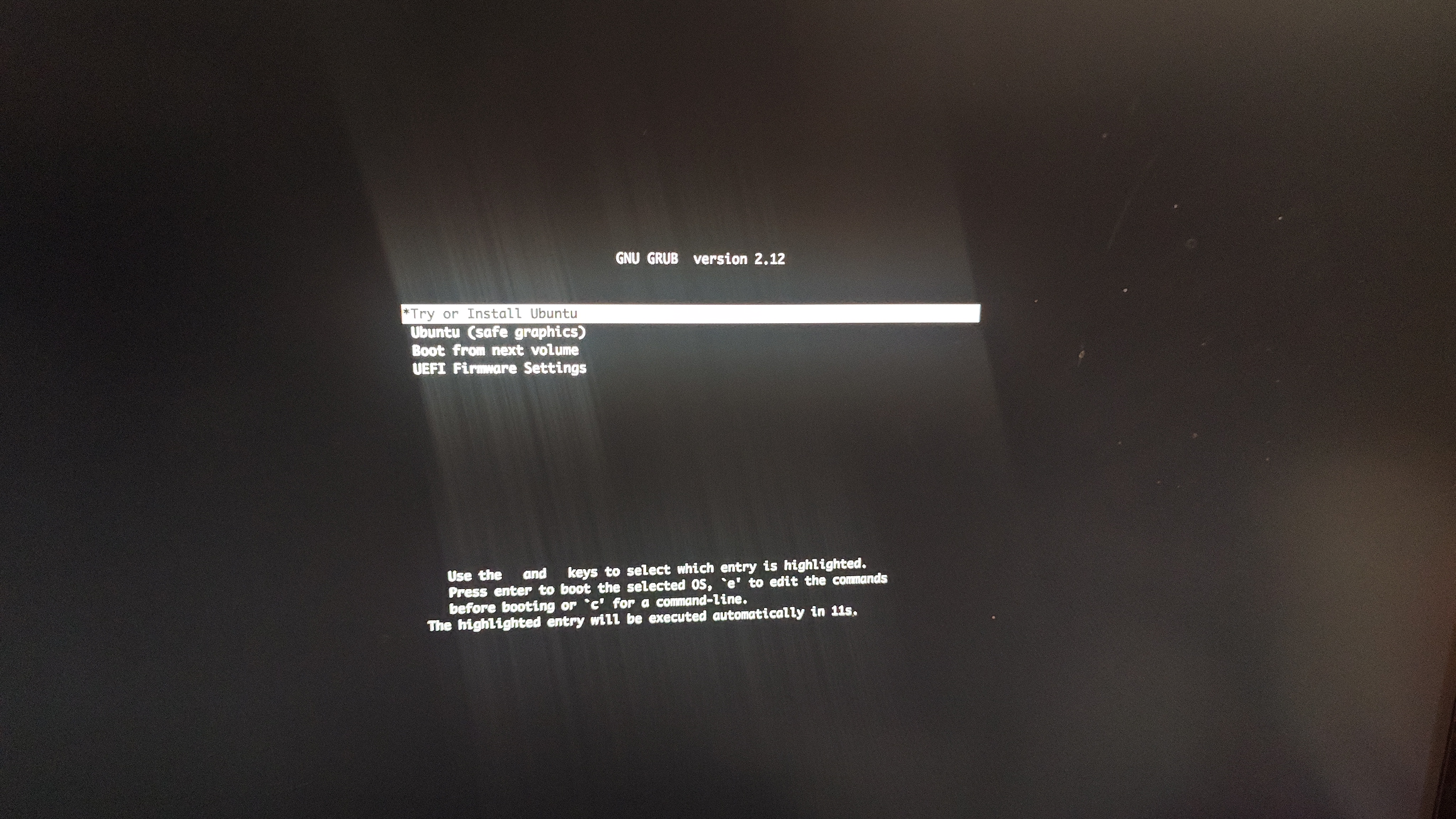
But eventually I’m cheering as the installer launches and I’m working out the settings to clear out the Mac and replace it with Linux. I spend quite a bit of time brainstorming ideas of what to call my server because I like to be fun and referential and creative and unique.
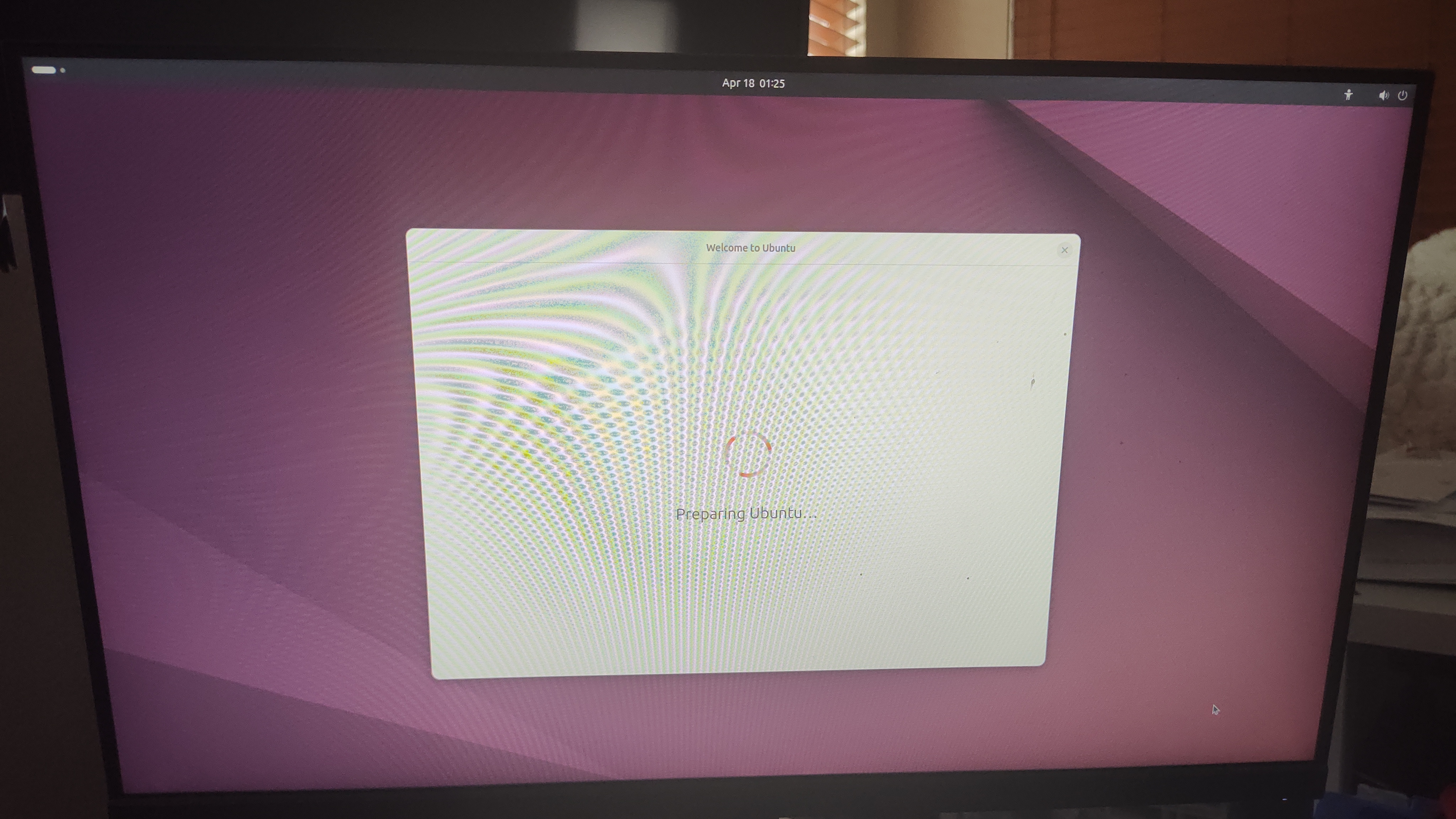
Finally, I can step away and let it do it’s thing. Two hours was a long time to work on this problem.
Oh wait… I did tell you this took me four hours right?
The thing is, of course, that Apple still had some final dying punches to throw at me. I did successfully have Linux on my computer. What I didn’t have was wifi drivers. So no internet. No internet no server.
I want to scream.
I don’t have an ethernet cable so I use USB tethering from my phone to get the mini hooked up to the internet. I had to switch cables because the first one was apparently charging only but thankfully the second could send data too.
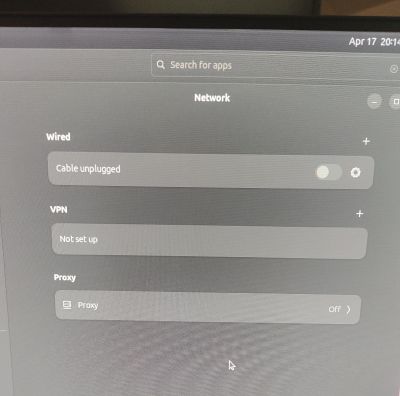
At this point I’m leaning on Claude AI quite a bit because this isn’t in the tutorials. So let me try to walk through what we did to get internet on my Linux Macmini Server. Because spoilers… I did do it.
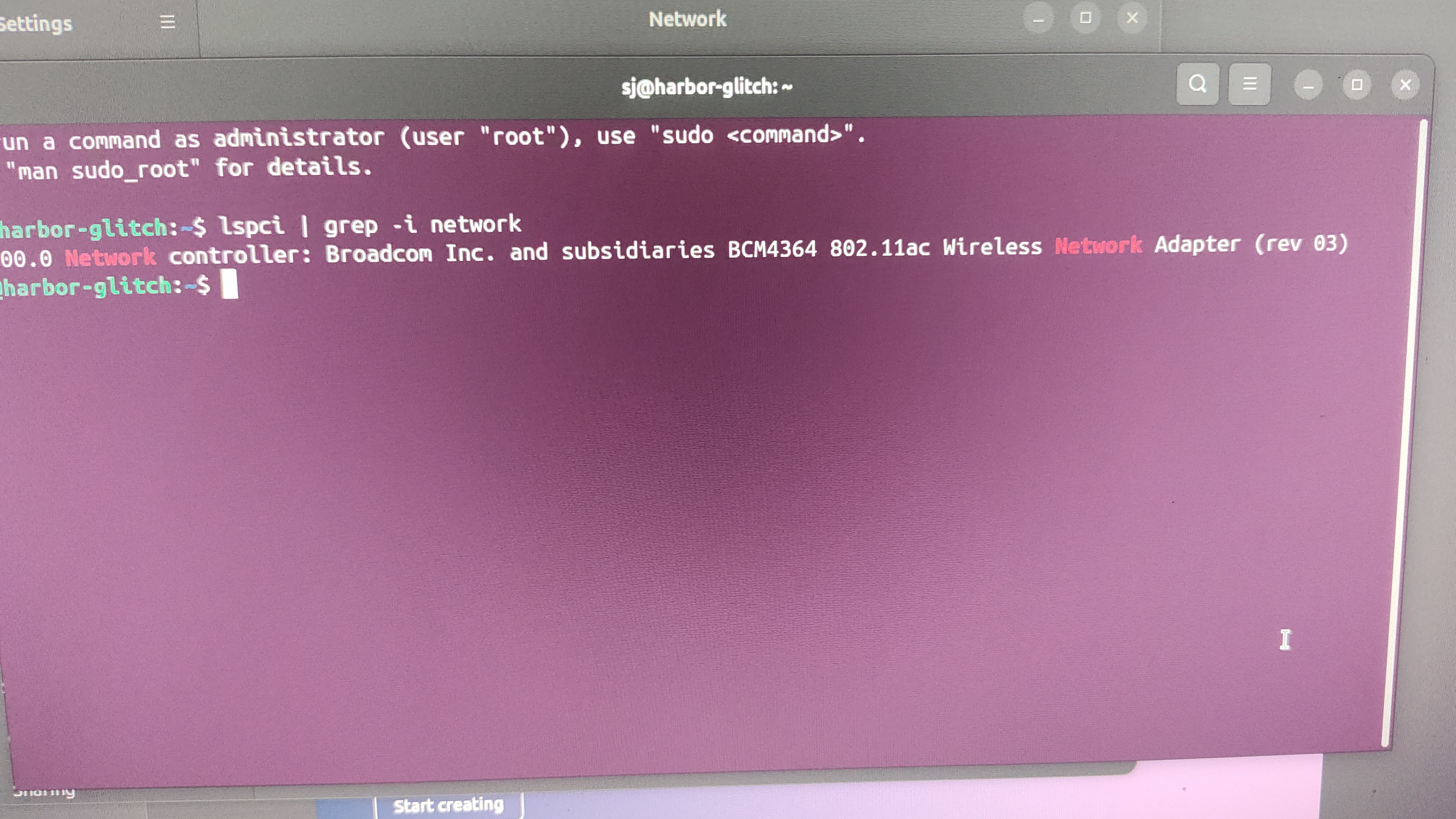
First was to check if Ubuntu could see the Wi-Fi hardware in the unit.
1
lspci | grep -i network
That gave us the desired output, the Broadcom BCM4364 Wi-Fi card was readable but it didn’t have the driver. Time to install it.
1
sudo apt install bcmwl-kernel-source
I got a bunch of errors but the drivers did download. Claude told me not to worry about the other errors right now.
1
sudo apt-get update --fix-missing
Then reboot. Still nothing. We try to reinstall and use sudo modprobe wl to manually load the driver without a reboot. Nada.
The errors I showed suggested the driver was failing to build. We try to download all the stuff that was giving me errors before to see if that fixes the compiler.
The key line from the output was kernel: 6.17.0-14-generic which means nothing to me still but the outcome seemed to be that kernel was too new for the driver.
1
cat /var/lib/dkms/broadcom-sta/6.30.223.271/build/make.log | tail -30
To figure out exactly what’s failing and getting this key line: Neither CFG80211 nor Wireless Extension is enabled in kernel - apparently Broadcom hasn’t updated their driver to support the new kernel.
We try downloading the open source Broadcom driver instead but it didn’t load, the chip was likely too new for that driver.
A little more back and forth figuring out if we can get the driver to work; it’s loaded but isn’t find the hardware.
1
2
sudo dmesg | grep -i brcmfmac
journalctl -k | grep -i brcmfmac
This apparently tells us that the driver is looking for Apple-specific firmware that aren’t included. I told you that it would be Apple that would bite me in the ass specifically!
Claude points me to a project called apple-firmware that should solve this problem. At this point I probably should have double checked where it was pointing me to but I’m at hour three and feeling dejected. I’m just copy and pasting back and forth between my terminal and Claude without any commentary. Just more and more bad luck. When do I get a break?
1
2
3
4
sudo apt-get install git
git clone https://github.com/AdityaGarg8/apple-firmware.git
cd apple-firmware
sudo ./get-firmware.sh
This still doesn’t do it. Seems to just be firmware, no script. Claude walks me through moving the files where the kernel is looking for them.
1
nmcli device status
And you know what I saw?
Do you?
You’ve got a fifty fifty chance of being right.
That’s right! Wifi!!!
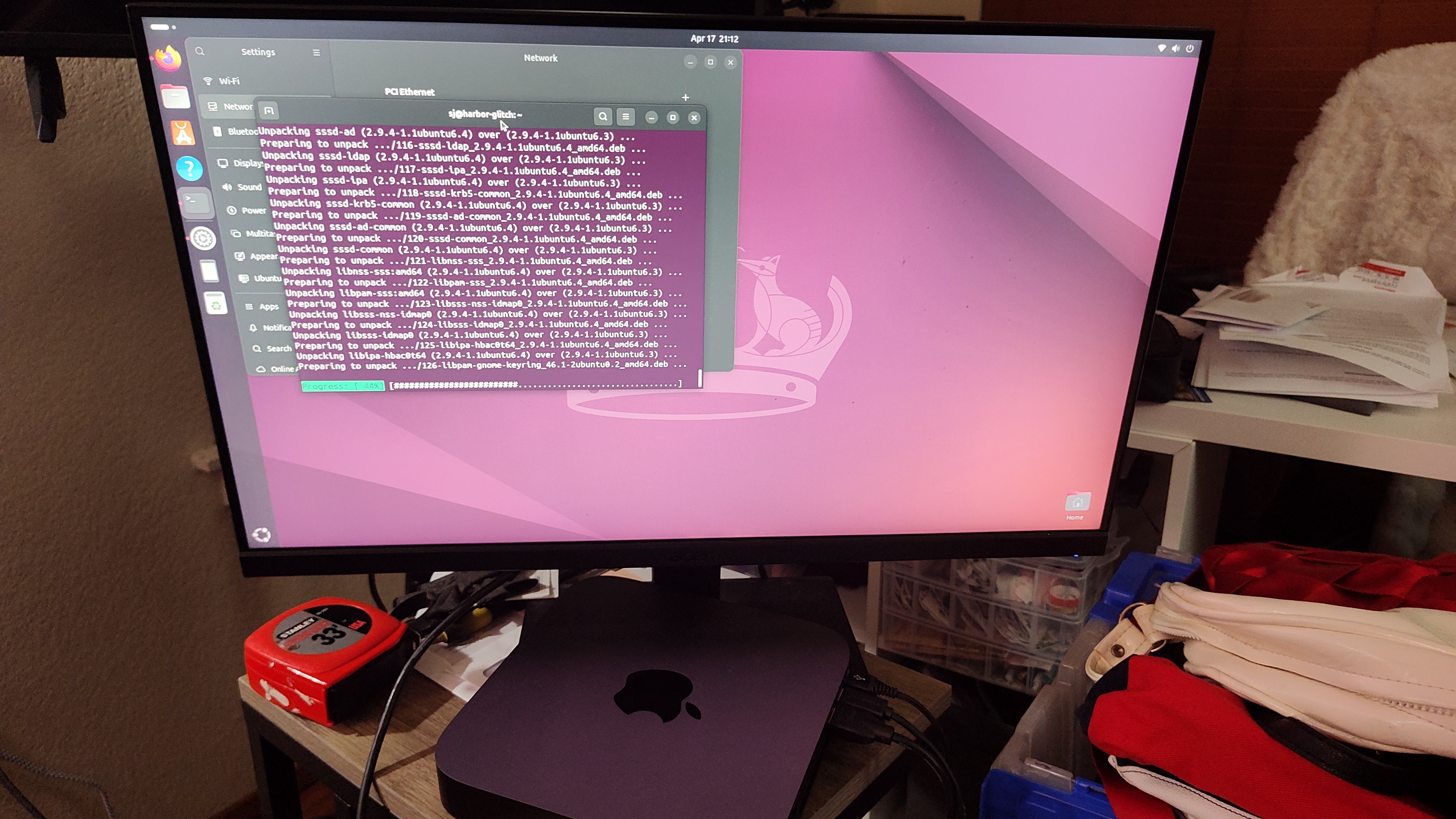
All the bad feelings from the last hour slog immediately evaporated. I was back to cheering, back to having a good time. Of course still very aware that nothing ever goes as straightforward as advertised apparently. I had Claude write up an overview of what happened, what we looked for and why, and the solution that was reached. Even if it doesn’t make a lot of sense to me right now, having that for my records felt necessary.
After that it was finishing updating the system and enabling ssh. It’s so late and I have like two Network+ modules to work on but I made myself a toybox and now I want to play in it!
I settle for one final check that it worked, putting in a command on my main computer with Windows Powershell.
It printed out my server name and the uptime and boy was that so fun and satisfying.
I’m still feeling pretty rough and ill today. I still have two Network+ modules to do. I probably should be doing that instead of writing this post but I wanted the record.
Hopefully next time it won’t take four hours to fix.